The Ultimate Guide to
How to Turn Support Ticket Patterns into Churn Predictions
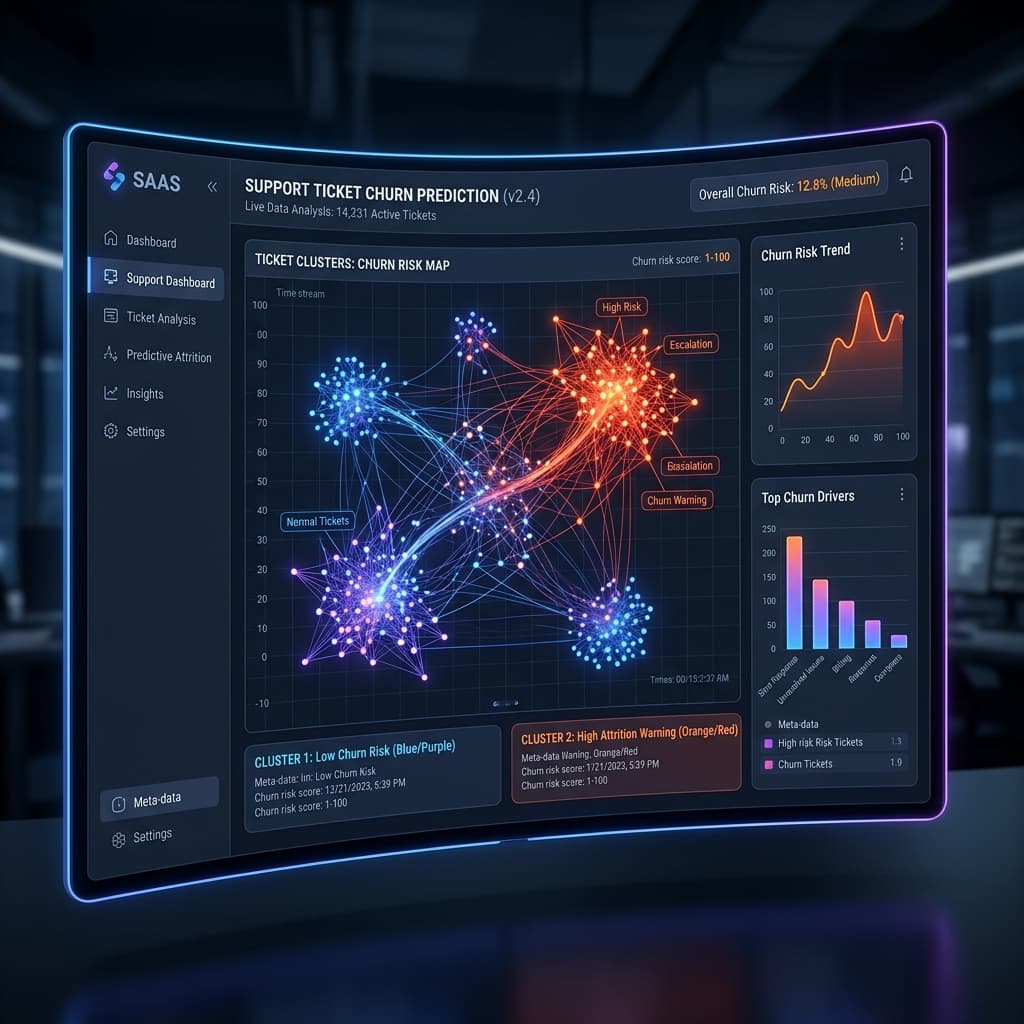
How to Turn Support Ticket Patterns into Churn Predictions
Most SaaS teams treat support tickets as individual problems to be solved and closed. A user can't log in — you fix it. A feature isn't working — you patch it. Ticket closed. Move on.
But this one-at-a-time thinking is costing you accounts.
The clients who churn rarely do so because of a single incident. They churn because of a slow accumulation of friction — a pattern of small frustrations that never gets noticed because your team is too busy looking at individual tickets instead of what those tickets represent at the account level.
This post breaks down exactly how to shift from reactive ticket-closing to proactive churn detection using pattern analysis.
#### Why Individual Tickets Are Misleading
When you look at a single ticket — "Can't export CSV" — it looks like a minor feature request. But when you look at the last 6 tickets from Acme Corp and see:
...you're no longer looking at a bug. You're looking at an account that is experiencing your product as fundamentally broken.
That account is 60–90 days from canceling. And nobody on your team knows.
#### The 4 Ticket Patterns That Predict Churn
After analyzing thousands of accounts, four recurring ticket patterns appear consistently in the months before cancellation:
1. Volume Spike Without Resolution
An account that submits 3–5x more tickets than their historical average over a 30-day window, with no corresponding spike in resolved tickets, is signaling that their team is fighting the product. Unresolved volume is more predictive than total volume.
2. Recurring Same-Category Complaints
A customer who opens 3 or more tickets in the same feature category (billing, exports, integrations) within 60 days is telling you that area of your product is blocking their workflow. It's not a one-off — it's a wall they keep hitting.
3. Escalation Language in Ticket Body
Words and phrases like "again," "still broken," "this keeps happening," "I already reported this," and "nothing has changed" are high-signal churn indicators. These phrases indicate eroding patience, not a new problem.
4. Silence After a Ticket Cluster
Counterintuitively, sudden silence from a previously active account is one of the strongest churn signals. When a team that was filing tickets every week goes quiet, it usually means one of two things: the problem was solved, or they've given up and started evaluating alternatives. You need to know which.
#### How to Build a Ticket Pattern Monitor
You don't need a sophisticated ML system to start catching these patterns. Here's a simple framework:
Step 1 — Tag every ticket by account and category
If your helpdesk (Zendesk, Intercom, HubSpot) doesn't auto-associate tickets to company accounts, set this up immediately. This is the foundation of everything.
Step 2 — Set a 30/60/90 day rolling window
Instead of looking at open tickets, look at ticket history per account over the last 30, 60, and 90 days. Volume trends matter more than snapshots.
Step 3 — Score accounts by pattern type
Assign a churn risk score increment for each pattern detected:
Any account crossing 50 points in a 30-day window goes into a "watch list" for immediate CSM outreach.
Step 4 — Add sentiment scoring to ticket body text
Plain pattern counting gets you 60% of the way there. Adding LLM-based sentiment analysis to the ticket body — detecting frustration, urgency, and resignation — gets you to 85%+ accuracy in identifying at-risk accounts.
Step 5 — Trigger outreach before the customer decides
The goal is to reach out before the account has made a mental decision to leave. A CSM call at 50-point risk is a retention conversation. A CSM call at 90-point risk is damage control. The window matters enormously.
#### What feedalyze.net Does Automatically
feedalyze.net v2.0 connects directly to your Zendesk, Intercom, and HubSpot instances and runs this analysis continuously, per account. Instead of waiting for your CSM to notice a pattern, feedalyze.net:
The accounts that were invisible in your helpdesk become the accounts you save.
#### The Bottom Line
Your support tickets are already telling you who's about to churn. The information is there — it's just scattered across individual records that no one is reading together.
Start by tagging tickets to accounts. Start scoring patterns manually if you have to. And as you scale, automate it.
The clients who stay are the ones someone noticed before it was too late.
*Ready to see which accounts in your helpdesk are showing churn patterns right now? [Start your free feedalyze.net audit →](https://feedalyze.net)*
Turn messy feedback into growth.
Automate your client feedback analysis. Detect churn risk and extract actionable insights in seconds with our AI-powered engine.